
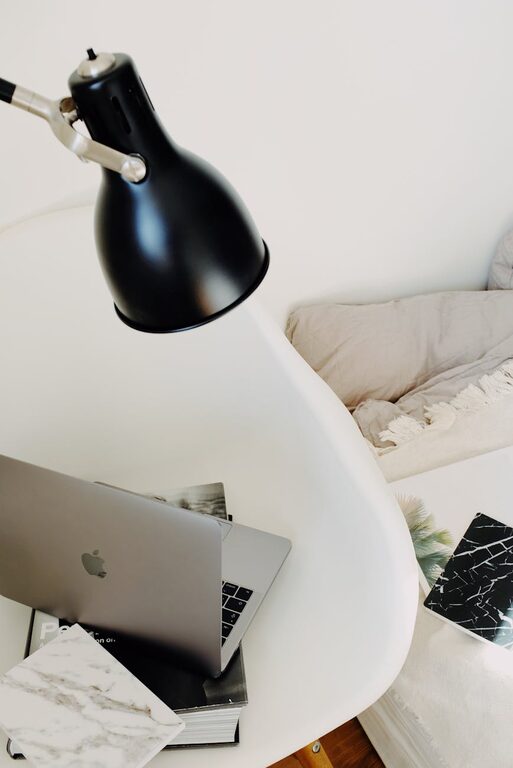
Creating a cozy and functional home workspace is essential for staying productive and comfortable throughout your workday. Whether you’re working remotely full-time or simply need a dedicated spot for occasional tasks, your workspace should inspire focus and creativity while also feeling inviting. Here are practical tips to help you set up a home office that combines comfort and efficiency.
Choose the Right Location
Your workspace location sets the tone for your workday. Aim for a quiet area with minimal distractions.
– Natural Light: Position your desk near a window if possible. Natural daylight boosts mood and energy.
– Away from Traffic: Avoid spaces near busy rooms like kitchens or living areas to reduce noise.
– Dedicated Space: If possible, choose a specific room or corner just for work, which mentally separates work from leisure.
Invest in Comfortable and Ergonomic Furniture
Comfort is key for long hours at your desk.
– Ergonomic Chair: A chair that supports your lower back and encourages good posture reduces fatigue and discomfort.
– Desk Height: Choose a desk at a comfortable height for typing and writing with your arms at a natural angle.
– Adjustable Furniture: Consider a sit-stand desk to change positions throughout the day.
Optimize Lighting
Good lighting prevents eye strain and keeps you alert.
– Layered Lighting: Use a combination of natural light, overhead lights, and task lamps.
– Adjustable Desk Lamp: A lamp with adjustable brightness and direction helps focus on paperwork or screen work.
– Soft, Warm Bulbs: Use bulbs that emit a warm, soft light to create a cozy ambiance.
Organize Your Workspace for Efficiency
A clutter-free desk makes it easier to focus.
– Storage Solutions: Use shelves, drawers, and organizers to keep supplies tidy and accessible.
– Cable Management: Use clips and ties to keep cords out of the way and reduce mess.
– Minimalist Setup: Limit desktop items to essentials like your computer, notepads, and pens.
Personalize Your Space
Adding personal touches makes your workspace inviting and unique.
– Plants: Indoor plants improve air quality and add a splash of greenery.
– Art and Photos: Surround yourself with images or art that inspires and motivates you.
– Cozy Textiles: Add a soft rug, cushion, or throw for warmth and texture.
Incorporate Technology Thoughtfully
Use technology to support your work without causing distraction.
– Quality Hardware: Invest in a reliable computer, keyboard, and mouse.
– Headphones: Noise-canceling headphones help maintain focus in noisy environments.
– Smart Assistants: Devices like smart speakers can help manage schedules and reminders hands-free.
Maintain Good Air Quality and Temperature
Comfort is also about the surrounding environment.
– Ventilation: Keep the room well-ventilated with fresh air.
– Temperature Control: Use fans, heaters, or humidifiers to maintain a comfortable temperature.
– Scent: Subtle scents like lavender or eucalyptus can create a calm atmosphere.
Establish a Routine and Boundaries
Your workspace should support your work habits.
– Set Work Hours: Define start and end times to maintain balance.
– Take Breaks: Regular breaks improve focus and reduce fatigue.
– Limit Distractions: Use apps or settings to silence non-essential notifications during work.
Regularly Refresh Your Workspace
Keep your workspace feeling fresh and motivating.
– Declutter Weekly: Clean and reorganize your area to maintain efficiency.
– Update Decor: Rotate personal items or add new plants to keep things inspiring.
– Adjust Layout: If possible, switch your desk or chair position occasionally to change your perspective.
—
Designing a cozy and functional home workspace doesn’t have to be complicated. By focusing on comfort, organization, lighting, and personal touches, you can create an environment that supports your productivity and well-being. Remember, the best workspace is one that feels like your own—a place where you can focus, create, and enjoy your workday.